AI Legal Practice Management Solution Tailored for Legal Teams

Empower your legal team to manage cases, clients, tasks, and documents in one secure, AI workspace. PRACTICE streamlines every step with automated workflows, secure collaboration, and centralized oversight—by LEXA, Lexzur’s AI assistant.

AI Assistant in PRACTICE

LEXA uses AI to make case and matter management easier by identifying the important legal issues, evaluating all strengths and weaknesses, and ensure everything is accurate. Automating fact review, argument analysis, and procedural checks positions teams to focus on strategy and work more efficiently.

legal practice management software

Law Practice Management Made Simple and Efficient

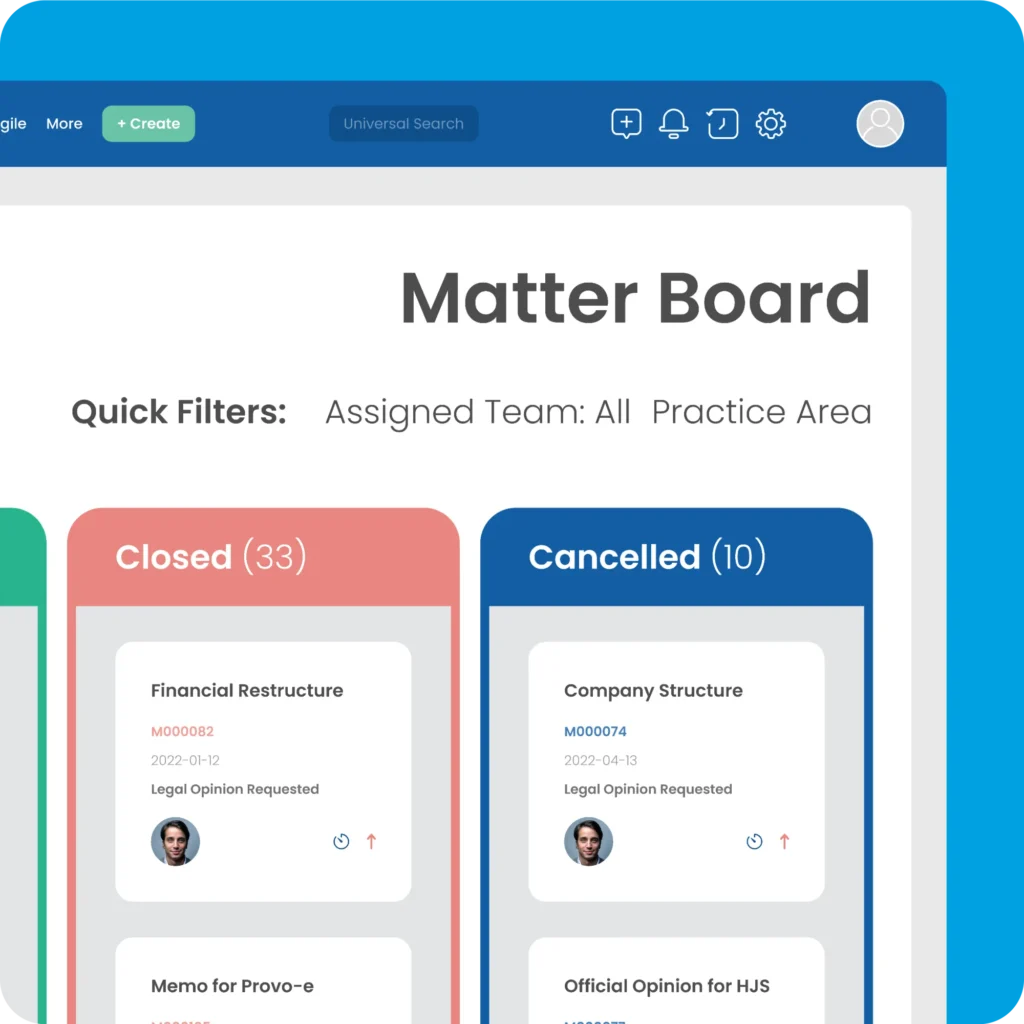
Matter board showing legal case and matter management

Case & Matter Management

Track deadlines, automate reminders, and collaborate across teams and clients with legal case management software and legal matter management software by LEXA, Lexzur’s AI assistant.

Client intake CRM for law firms

Client Intake (CRM)

With LEXA’s AI-driven insights, you can automate client intake. Bring your tasks and documents together in one organized place, so your workflows feel effortless and nothing slips through the cracks.

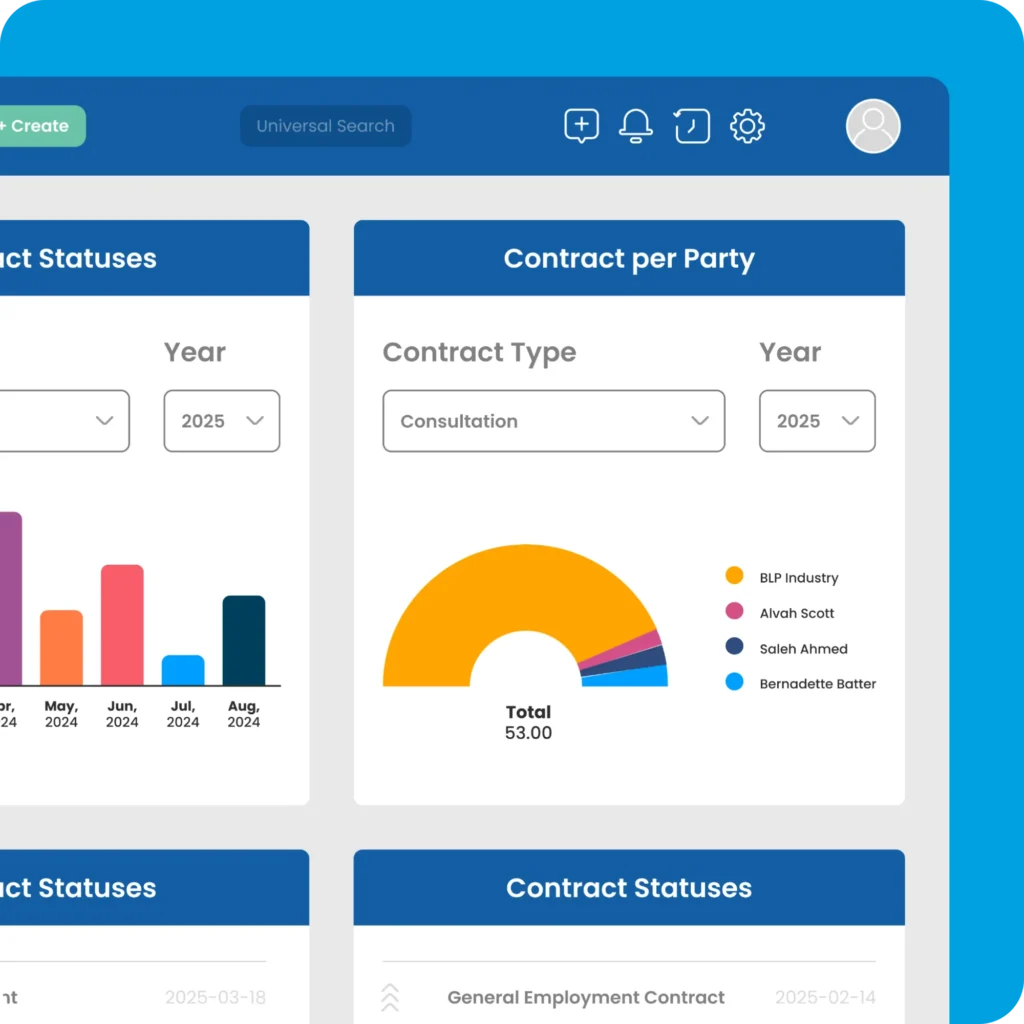
Custom BI dashboards tracking legal team performance

Dashboards & Custom BI Metrics

Stay on top of what matters with flexible BI dashboards. Keep your eye on the important metrics, monitor your team performance, and adjust in real time to keep everything on track. Get a real-time insights to make smart decisions and improve productivity.

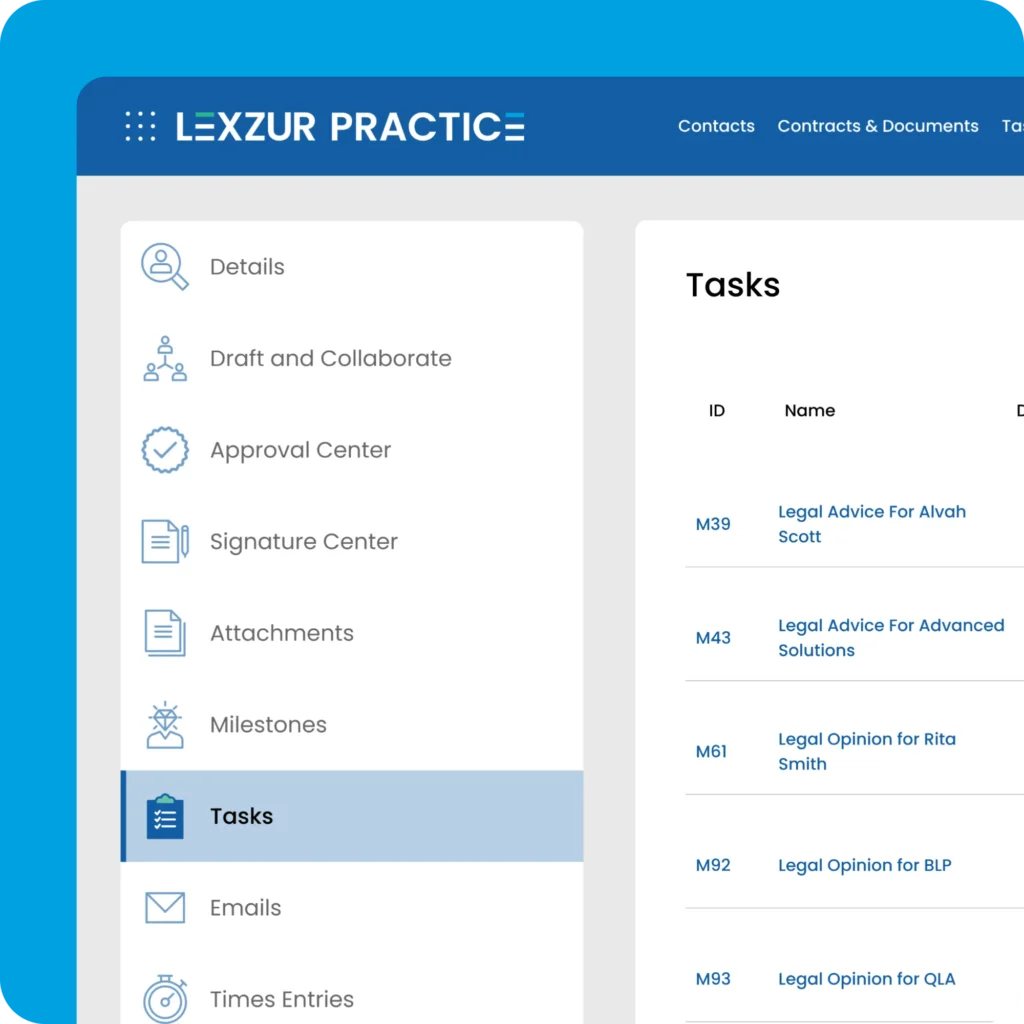
Legal task and workflow automation

Task & Workflow Automation

Lexzur’s Automation Hub can support you with getting more done by automating tasks and workflows. This reduces the manual efforts and makes case management software more efficient.

Legal time billing and accounting

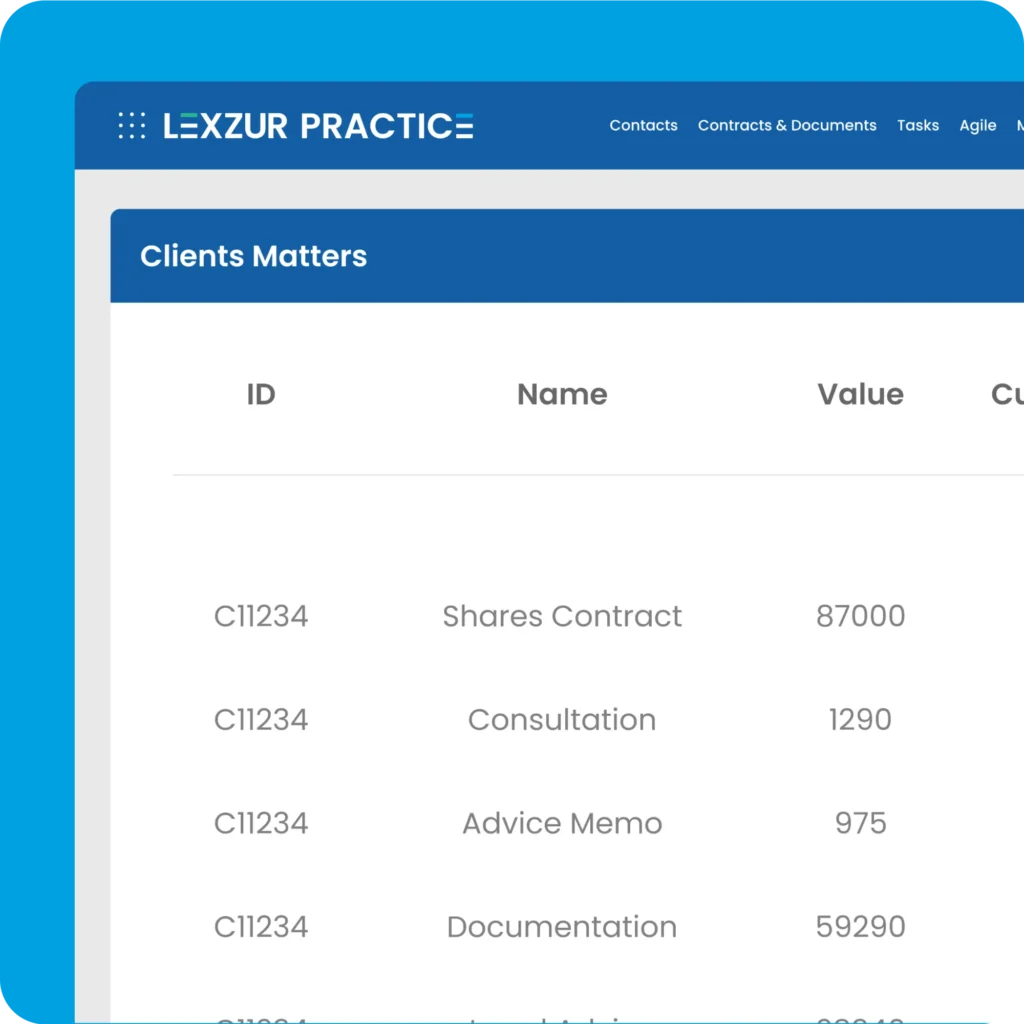
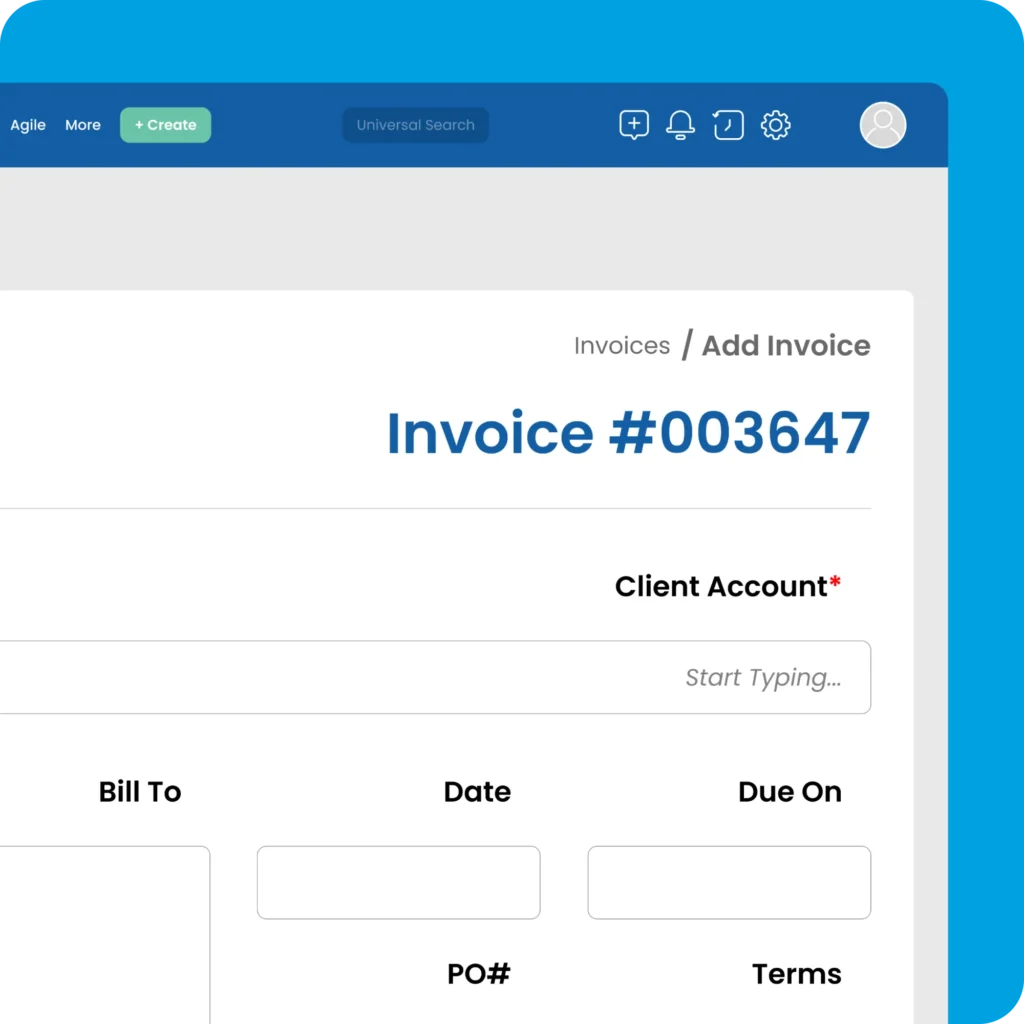
Time Billing & Accounting

Automated time tracking, customizable invoices, and full accounting tool integration make invoicing easier. Make managing your money easier and keep it accurate.

Central secure repository for legal documents

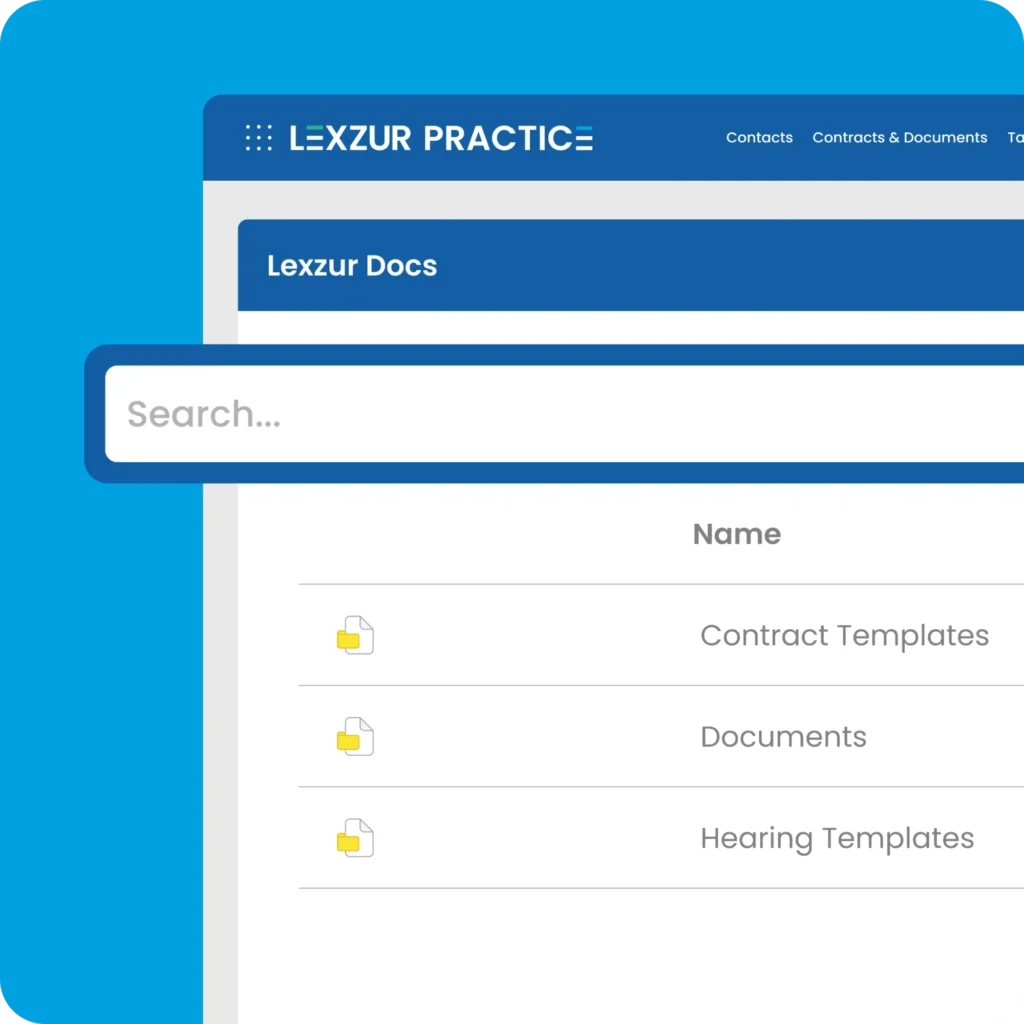
Central Secure Repository

Central Secure Repository: Keep all of your legal documents in a safe, searchable place where you can easily find them. Easily manage cases, tasks, and clients by linking documents to them.

Muhammad Ali

Muhammad Ali

Administration & Business Development Manager, Al Marbae & Partners Law Firm

Lexzur has been a game-changer for our firm. We’ve seen significant improvements in efficiency, cost savings, and billing accuracy since implementing the platform. It’s clear that Lexzur is delivering the results we were looking for.

Al Marbae & Partners Law Firm
Practice KSA Legal Services

Integrated Apps and Add-Ons

Customize Your Workflow, Your Way

With 5,000+ integrations, connect Lexzur’s practice management software to the tools your team already uses seamlessly.

Secure, global, and built for the way you work

Enterprise-Grade Security

Focus more on your contracts, not your risks. Contra delivers bank-level encryption, GDPR compliance, ISO certification, and SOC 1 & SOC 2 Type II audits—plus multi-factor authentication and strict access controls to keep your data to be safe at each stage.

Global-Ready

Designed for working together across borders. With support for multiple languages, local currencies, regional formatting, and time zones, you can manage contracts in different areas. This keeps your workflows in sync no matter where your staff are.

Transform Your Legal Operations with PRACTICE

Frequently Asked Questions (FAQ)

PRACTICE is Lexzur’s AI legal practice and matter management platform, for law firms and in-house legal teams. Corporate matters, litigation cases, hearings, tasks, documents, time and billing on one record.

LEXA, Lexzur’s agentic AI, reads the matter and surfaces what’s in it. Automation Hub handles assignment, privacy levels and the deadlines that follow. Clients and outside counsel can be given their own restricted access to the matters that concern them.

The patchwork is not usually the problem. What is missing is a record that connects the pieces: the matter that a spreadsheet row, an email thread and a folder are all separately about.

PRACTICE holds that record: matter and case details, stages, hearings, tasks, documents, time and invoices in one place, with privacy set per matter and per folder. Email files itself against the matter from Outlook, and documents can stay in SharePoint, OneDrive or Google Drive if your folder structure already works — the record points to them rather than forcing a move.

Existing matters, contacts, tasks and documents import in bulk from Excel, so the spreadsheets become the starting data rather than something to retype.

It reads the file so you do not have to. Open a matter running three years, hundreds of pages, four handovers and two languages, and LEXA returns the summary, the key issues and where the compliance questions sit — regardless of who handled it before.

On intake, LEXA pulls details from client attachments and populates the record. Across the matter, it surfaces obligations, deadlines and key documents, with the source behind every flag.

LEXA reads against your own precedents, not a generic model. It does not advise, decide, or appear for you.

PRACTICE supports hourly, fixed-fee and capped billing, with rates set at user, matter and client level. Billable hours and expenses are logged against the matter, invoices generate from approved entries, and billed time, payments, expenses and revenue are tracked in built-in reports. E-invoicing is ZATCA-compliant.

Fixed fee is applied per matter. Note that once a matter is switched to fixed fee, it cannot be moved back to hourly.

Capping is what in-house teams tend to use instead of billing: set a ceiling per matter or case in hours or in amount, choose whether expenses count towards it, reset it monthly, quarterly or annually, and either get an alert at a percentage you choose or block new entries once the ceiling is reached.

Yes, through two separate portals.

The Client Portal lets clients and internal business units submit requests, follow their matters, see hearings if you allow it, and collaborate on documents.

The Advisor Portal gives outside counsel real working access: they add tasks, change litigation stages, add hearings and log time against the matters you have outsourced to them, with field-level permissions controlling what they see.

Privacy is set per matter and per folder, so nothing crosses between teams that should not share it. Both portals are licensed per user, on top of your plan.

Yes, natively with the tools legal teams use every day, and through the Lexzur Marketplace for everything else.

Microsoft 365: file Outlook emails to matters, work on documents in Word, and connect Teams, SharePoint and OneDrive. Google Workspace: Gmail, Drive and Calendar. Other email clients file emails and attachments by forwarding them to a matter address.

Client intake, CRM, accounting, billing and ZATCA-compliant e-invoicing are native to PRACTICE, so many teams retire a separate tool rather than connect one. Where you keep an existing CRM or finance system, Salesforce and 5,000+ apps connect through the Lexzur Marketplace, with webhooks and standard exports for anything else.

PRACTICE also runs alongside CONTRA by Lexzur on the same platform.

PRACTICE by Lexzur is certified to ISO/IEC 27001:2022 under certificate AE24060703, and is GDPR compliant with an appointed Data Protection Officer and an appointed EU representative.

Client data is protected with AES-256 encryption at rest, TLS in transit, role-based access and audit logging, with two levels of separation between clients: your own database and your own attachment path. Privacy is enforced per matter and per folder. Single sign-on runs through Azure AD, LDAP or any SAML 2.0 provider.

The cloud service runs on Microsoft Azure, with local data residency available from the Business plan upward. Private SaaS and on-premise deployment are both supported. Your data exports in open formats at any time, and is deleted 90 days after termination.

PRACTICE lets you log billable hours and expenses against matters and cases, generate invoices from approved entries, and track billed time, payments, expenses and revenue through built-in reports.

Yes. PRACTICE and CONTRA run on the same platform, with the same login, permissions, document repository, and automation engine.

A contract that turns into a dispute becomes a matter without anyone re-entering it, and time logged against either flows into the same billing run. Most teams start with one and add the other.

See PRACTICE running on your own matters.